Login Page
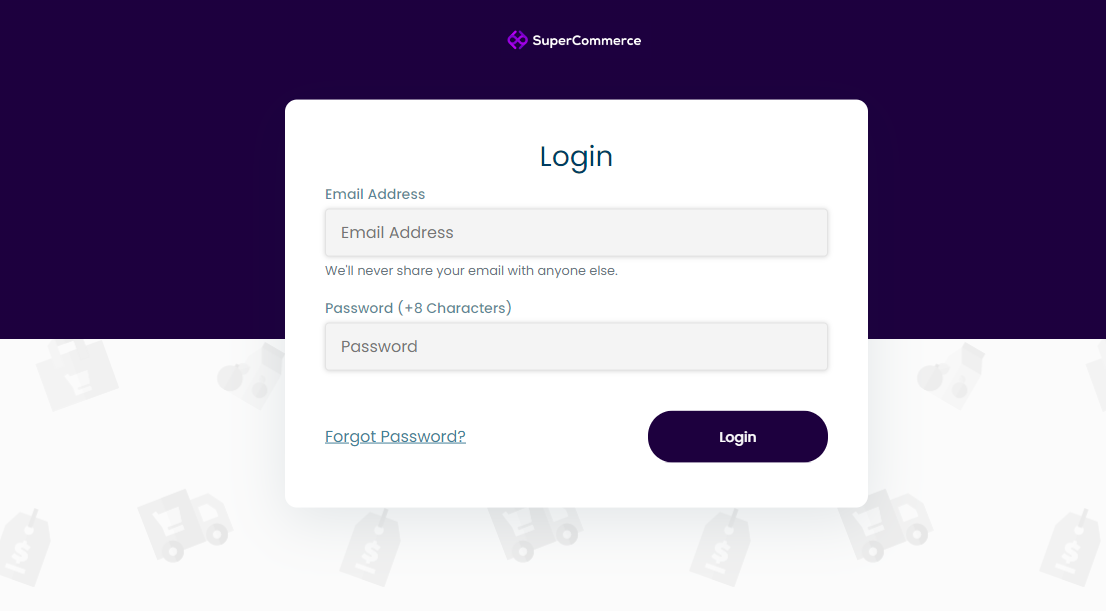
The login page is the first screen you see when accessing the SuperCommerce admin panel. You'll need the email and password provided by your administrator to sign in.
How to Log In
- Open the admin panel URL provided by your administrator in your web browser.
- Enter your email address in the "Email" field.
- Enter your password in the "Password" field.
- Click the Login button to access your admin dashboard.
Password Recovery
If you forget your password, click the Forgot Password link below the login form. You'll be guided through a simple process to reset your password. See Forgot Password for details.
info
Your login credentials are created by the super admin or the administrator who set up your account. If you haven't received your credentials, please contact your administrator.