View Notification
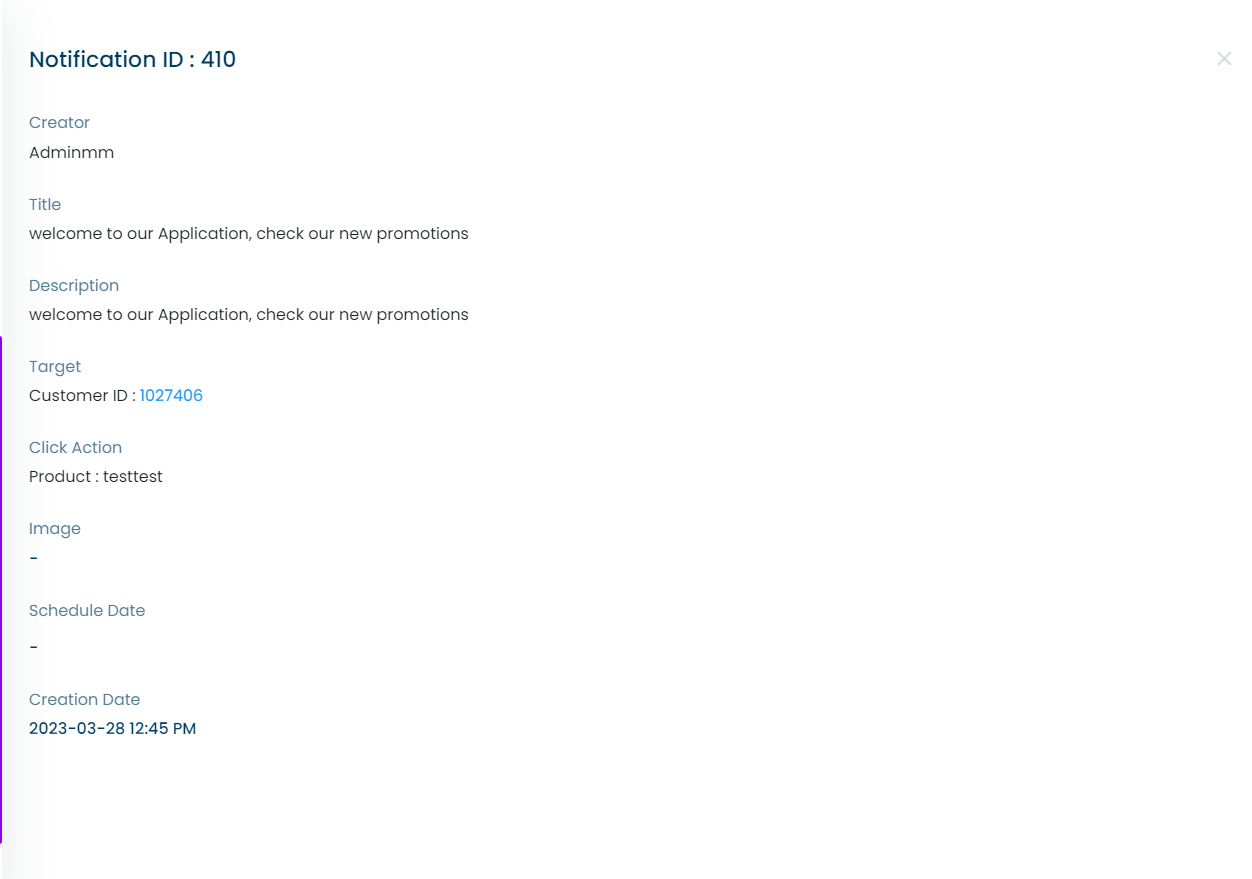
This menu allows you to view the details of a notification. The menu includes the following information:
Creator
The name of the user who created the notification.
Title
The title of the notification.
Description
The content of the notification.
Click Action
The action that will be taken when the notification is clicked. This can be "None" if the notification is a general message, or a specific product or custom list if the notification is targeted.
Image
The image associated with the notification (optional).
Schedule Date
The date and time when the notification is scheduled to be sent.
Creation Date
The date and time when the notification was created.
Thank you for using our platform! If you have any further questions or concerns, please don't hesitate to contact our support team.